

 Digital Code
 Instant Delivery
 Support


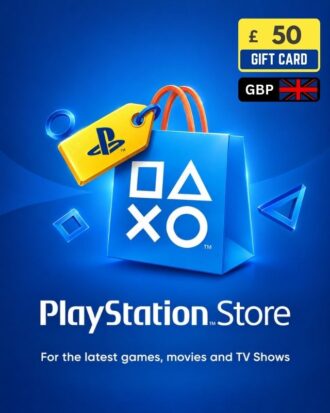
PlayStation Gift Card (UK) – Instant Digital Delivery for Bangladeshi Gamers
Welcome, Bangladeshi gamers! Get the PlayStation Gift Card (UK Region) to access the British PlayStation Store. This digital card instantly fills your PSN Wallet with Pounds (£), allowing you to download thousands of new games, essential DLC, and movies directly through the
UK PlayStation Store.
We make buying UK PSN funds easy and secure. Pay instantly using local mobile financial services like bKash and Nagad, alongside debit and credit cards like Visa and Amex. Your 12-digit code is delivered instantly after payment, making the UK PlayStation Store Gift Card the simplest and safest way for our customers in Bangladesh to access the UK PSN Store.
Expand Your Library: What You Can Buy with a UK PSN Card
A UK PSN Gift Card gives you access to one of the most content-rich regions in the PlayStation ecosystem.
Buy Games, Pre-Order & Download Instantly
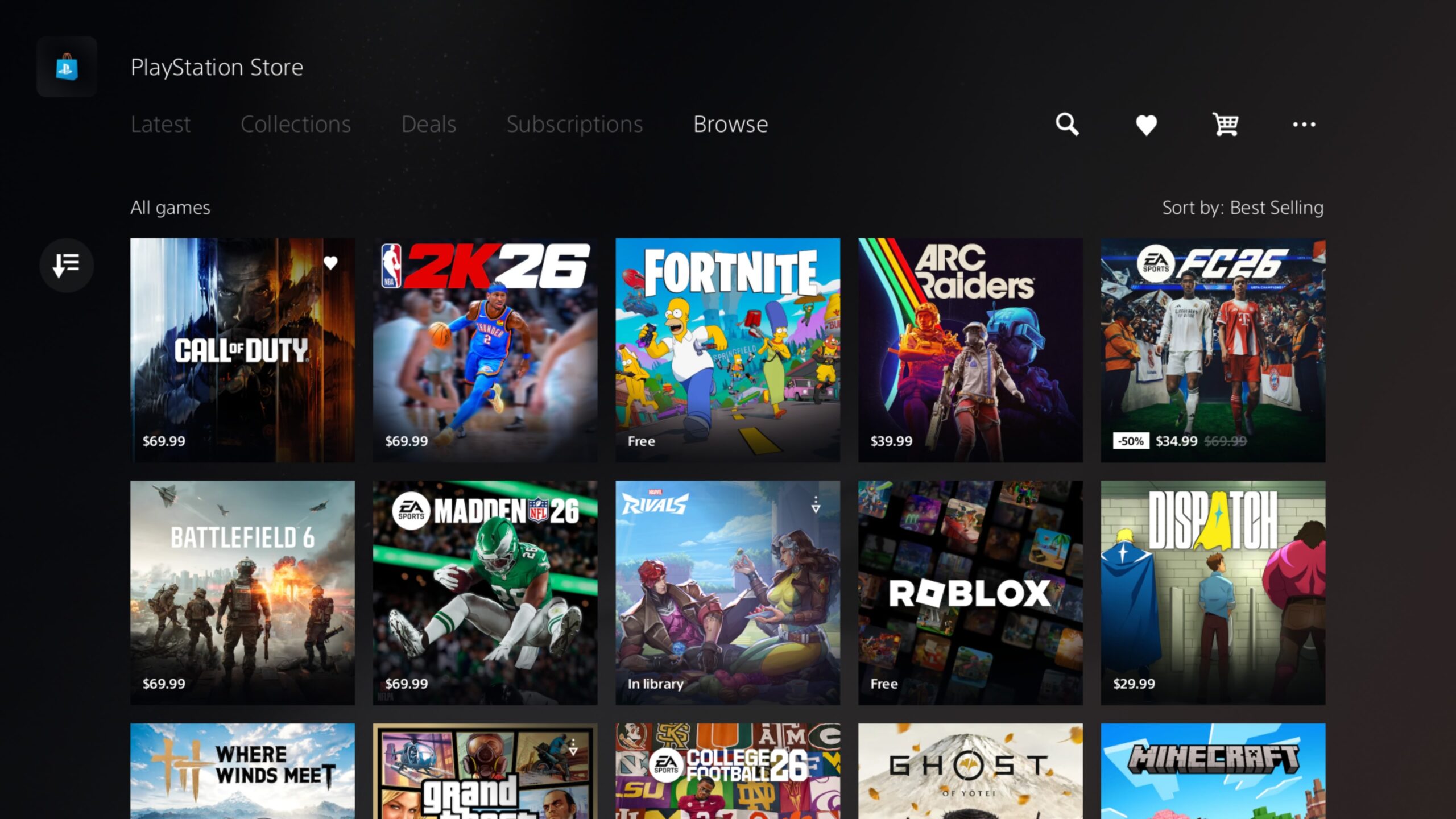
Use your PlayStation Store Gift Card (UK) funds to buy any PlayStation Games directly from your console! Discover amazing deals on digital games and pre-order upcoming titles to play the moment they release. Whether it’s blockbuster exclusives like God of War: Ragnarök, Spider-Man 2, or the latest Call of Duty, the funds are instantly available in your PSN Wallet to spend in GBP.
Essential Add-Ons and In-Game Content (DLC)
Enhance your gaming experience with downloadable content (DLC). Whether you need a season pass for a multiplayer shooter, an expansion for your favorite RPG, or in-game currency like V-Bucks or FC Points, the UK PlayStation Gift Card provides the necessary funds.
PlayStation Plus Subscription (UK)
One of the most popular uses for a UK PSN Gift Card is purchasing a PlayStation Plus membership. You can purchase your preferred subscription plan using the wallet funds. We offer flexibility for every type of player, including 1, 3, and 12 Month subscriptions for all three UK tiers:
- PlayStation Plus Essential: Grants access to online multiplayer, monthly free games, exclusive discounts, and cloud storage.
- PlayStation Plus Extra: Includes all Essential benefits plus access to the vast Game Catalogue, featuring hundreds of downloadable PS4 and PS5 titles.
- PlayStation Plus Premium: The ultimate tier. Includes all benefits from Essential and Extra, plus classic games, game trials, and cloud streaming access.
Purchasing a PS Plus membership with your PSN Wallet balance is quick and ensures uninterrupted online gaming.
TIPS for Buying Digital Games at a Great Price
Don’t miss out on incredible savings! Add games to your wishlist on the PlayStation Store to receive notifications when they go on sale. The UK PlayStation Store frequently runs massive sales – check the “Deals” section directly from your console or visit their website:
store.playstation.com/en-gb/pages/deals.

Instant Delivery
Your 12-digit UK PlayStation code is delivered instantly to your email and on your OVROK invoice page immediately after payment. No waiting.
Payment Options
Pay quickly using bKash or Nagad, as well as debit/credit cards like Visa and Amex. Your PlayStation code appears instantly after payment confirmation.
Other Values and Region Gift Cards
Explore PlayStation Gift Cards for different regions and values:
Customer Support
If you need help, contact us anytime on Facebook Messenger: