
 Digital Code
 Instant Delivery
 Support


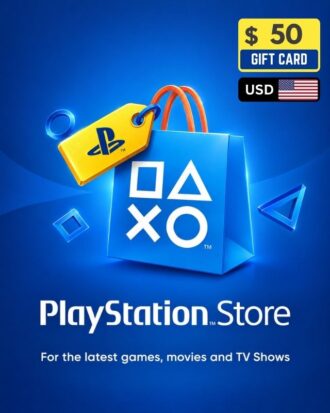
PlayStation Gift Card (USA) – Instant Digital Delivery for Bangladeshi Gamers
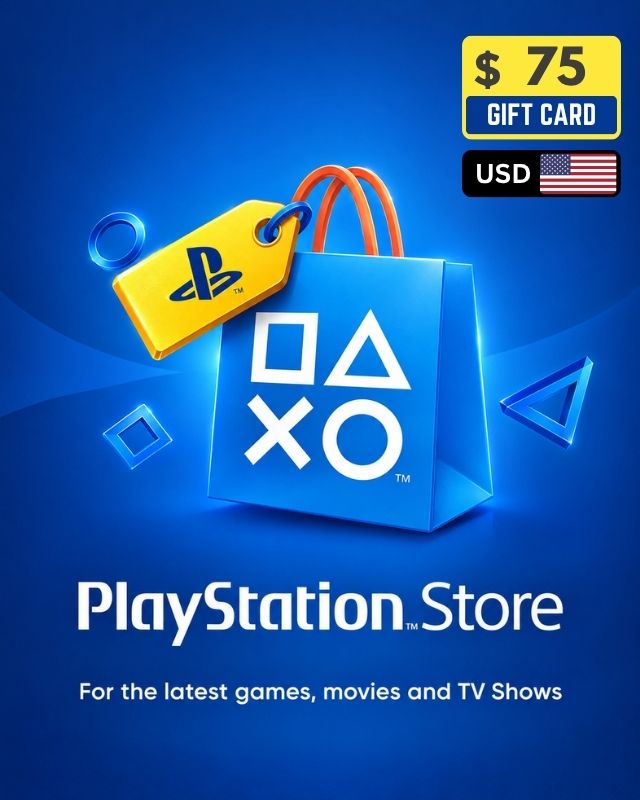
Welcome, Bangladeshi gamers! Get the PlayStation Gift Card (USA Region) and unlock a universe of digital entertainment for your PS5, PS4, or PS VR. This essential gift card instantly fills your PSN Wallet with cash, allowing you to download thousands of new games, essential DLC, and even stream movies and music directly through the
PlayStation Store.
We make buying PSN funds easy and secure. Pay instantly using local mobile financial services like bKash and Nagad, alongside debit and credit cards like Visa and Amex. Your 12-digit code is delivered instantly after payment, making the PlayStation Store Gift Card the simplest and safest way for our customers in Bangladesh to access the full PSN Store.
Expand Your Library: What You Can Buy with a PSN Gift Card
A PSN Gift Card is far more versatile than just buying the latest AAA titles. It’s a ticket to the entire digital ecosystem of the PlayStation Store.
Buy Games, Pre-Order & Download Instantly
Use your PlayStation Store Gift Card funds to buy any PlayStation Games directly from your PlayStation device via the PS Store! Discover amazing deals on digital games and pre-order upcoming titles to pre-download and play them the moment they release. Whether it’s blockbuster exclusives like God of War: Ragnarök or the latest installment of Call of Duty, the funds are instantly available in your PSN Wallet.

Essential Add-Ons and In-Game Content (DLC)
Enhance your gaming experience with downloadable content (DLC). Whether you need an expansion pass for your favorite RPG, a season pass for a multiplayer shooter, or simply in-game currency like V-Bucks or Apex Coins, the PlayStation Gift Card provides the necessary funds. This includes cosmetic items, character skins, map packs, and story extensions that breathe new life into games you already own.
PlayStation Plus Subscription
One of the most popular uses for a PlayStation Store Gift Card is purchasing a PlayStation Plus membership. PS Plus is mandatory for online multiplayer gaming and offers much more. You can now purchase your preferred PS Plus subscription using the funds from your PSN Gift Card. We offer flexibility for every type of player, including 1, 3, and 12 Month subscriptions for all three tiers:
- PlayStation Plus Essential: Grants access to online multiplayer, two free monthly games, exclusive discounts, and cloud storage.
- PlayStation Plus Extra: Includes all Essential benefits plus access to the vast Game Catalogue, featuring hundreds of downloadable PS4 and PS5 titles.
- PlayStation Plus Premium (or Deluxe): Includes all benefits from Essential and Extra, plus classic games, game trials, and cloud streaming access.
Purchasing a PS Plus membership with your PSN Wallet balance is quick and ensures uninterrupted online gaming and access to your monthly free games.
TIPS for Buying Digital Games at a Great Price
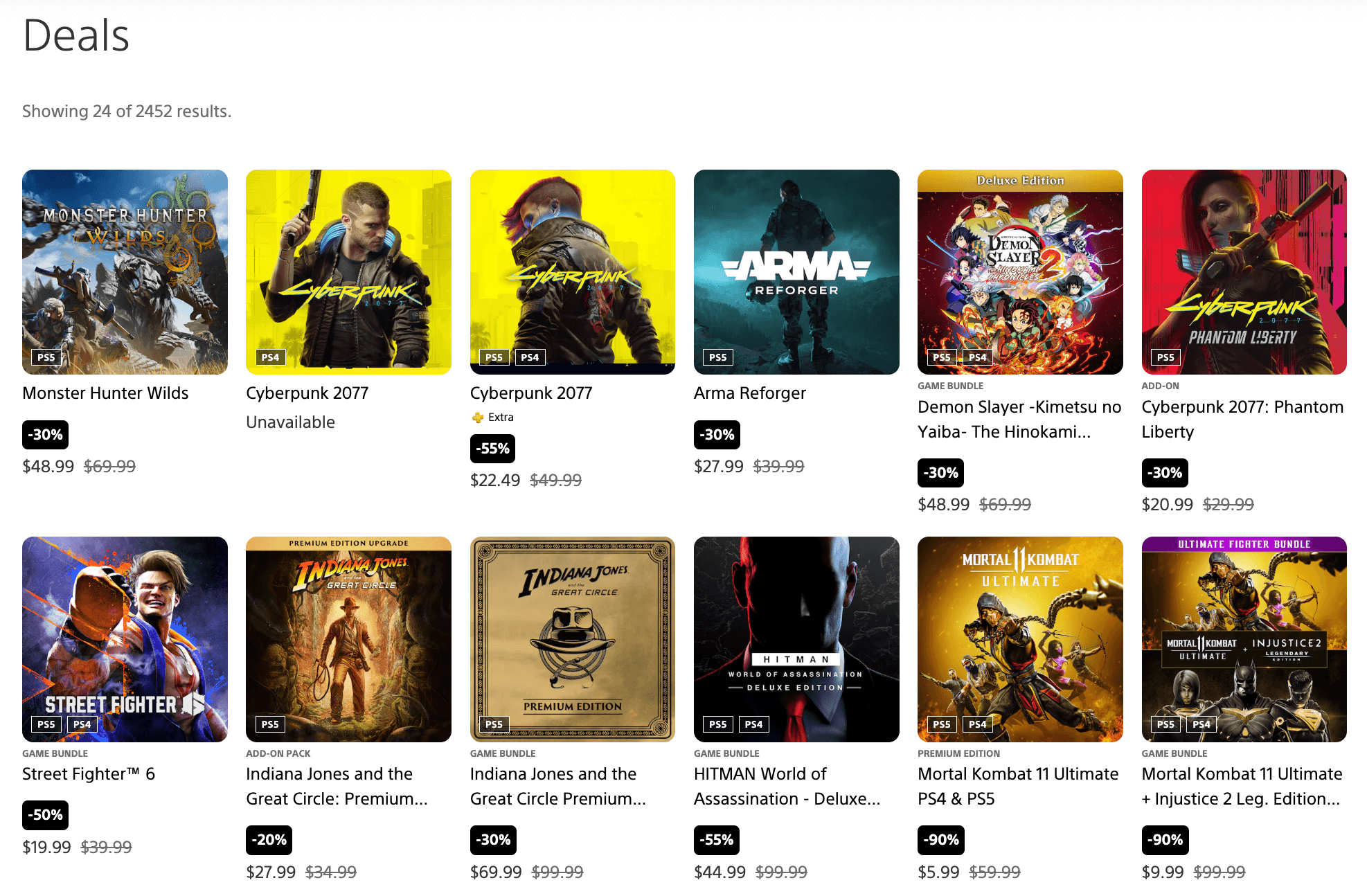
Don’t miss out on incredible savings! Add games to your wishlist on the PlayStation Store to receive notifications when they go on sale. The PlayStation Store always has active sales – check the “Deals” section directly from your console or visit their website for current offers:
store.playstation.com/en-us/pages/deals.
Instant Delivery
Your 12-digit PlayStation code is delivered instantly to your email and on your OVROK invoice page immediately after payment. No waiting.
Payment Options
Pay quickly using bKash or Nagad, as well as debit/credit cards like Visa and Amex. Your PlayStation code appears instantly after payment confirmation.
Other Values and Region Gift Cards
Explore PlayStation Gift Cards for different regions and values:
Customer Support
If you need help, contact us anytime on Facebook Messenger: